Use an allowlist for VS Code extensions
Control VS Code extensions with an enforced allowlist and keep reviewing approved extensions.
😭
VS Code extensions are no different than browser extensions: high risk that you should be controlling with an allowlist.
Yes, review and approval processes suck, but IR sucks even more.
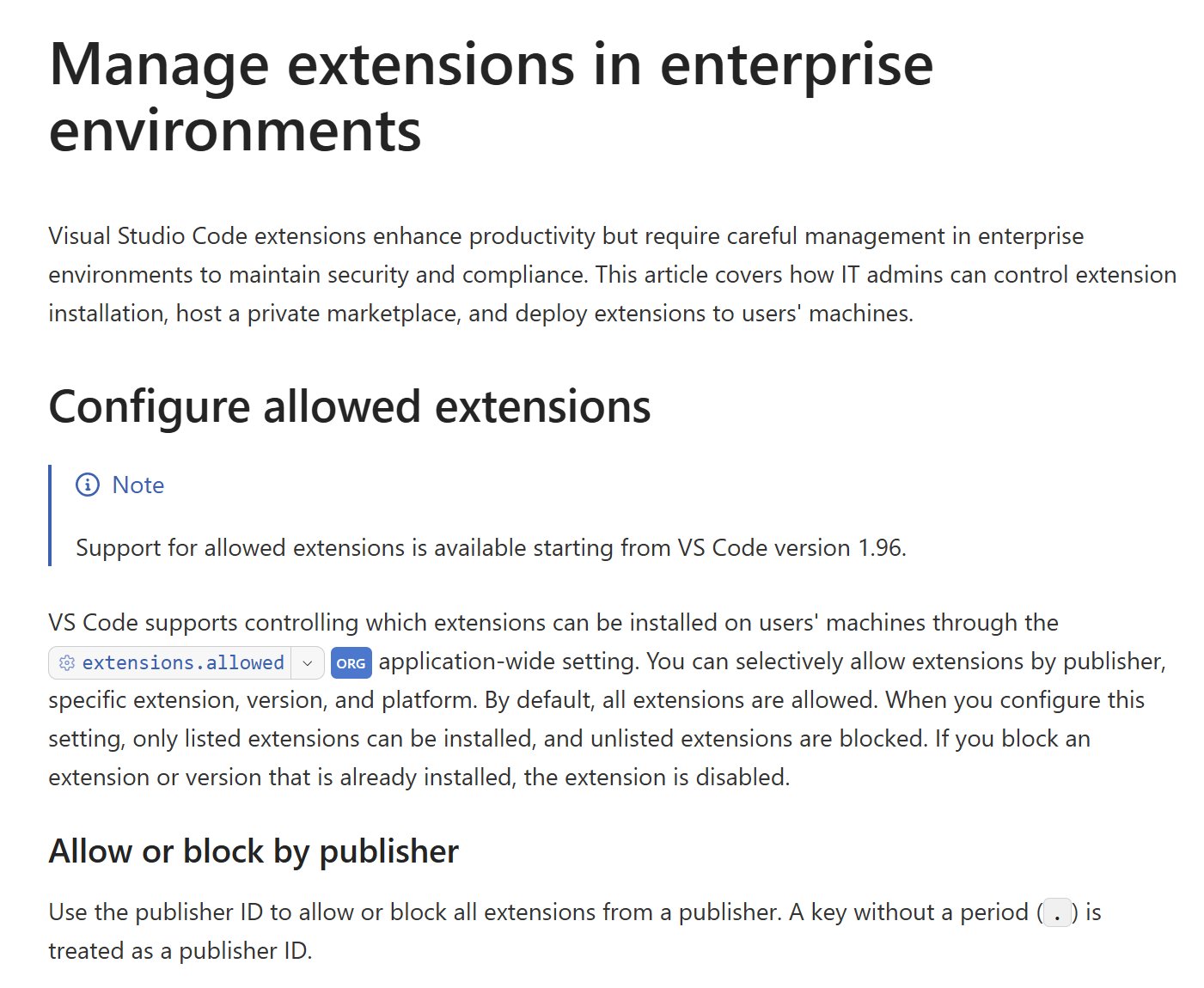
VS Code supports extensions.allowed to allow specific publishers, extensions, versions, and platforms. For managed devices, enforce it with the AllowedExtensions organization policy, which overrides the user-configured setting. An editable setting alone isn’t the same control.
It’s always possible that authorized extensions end up compromised or change hands, and updates get used to push malicious code. An allowlist still needs ongoing review.
This is a hard problem area. We see it all the time with open source projects, npm, browser extensions, etc.
VS Code enterprise extension management
Original posts: 20 May 2026 and follow-up. Documentation checked 14 October 2026.