Check lookalike domains with dnstwist
Find and triage domain variants that could be used to impersonate your organization.
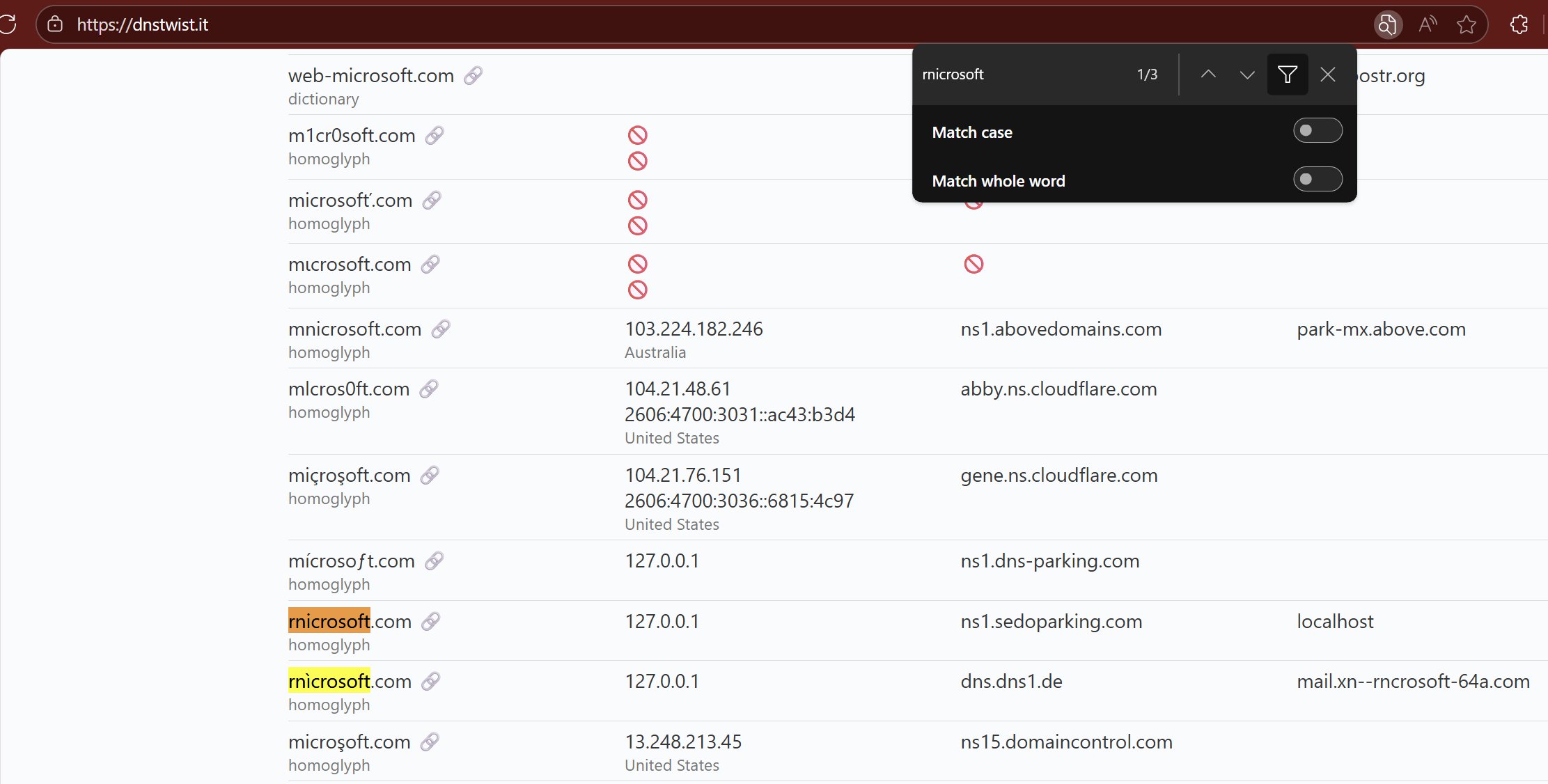
You don’t need a paid brand-monitoring service to start checking for lookalike domains. dnstwist is a free tool that generates similar domain names and checks their DNS records.
Start with a domain you own:
1dnstwist --registered --format json your-domain.example > lookalikes.json
Replace your-domain.example with the domain you want to check. The --registered option filters the results to variants that resolve; JSON makes it easier to save a baseline and compare later runs. Use a new output filename each time so you keep that baseline.
Review new results rather than treating every hit as malicious. A similar name can belong to a legitimate organization, and DNS resolution alone doesn’t prove impersonation. Look at the domain’s context and any relevant email or web activity before blocking it or requesting a takedown.
Once you’ve reviewed a baseline, rerun the check on a sensible schedule and alert on newly observed variants. You can include key partner domains too, especially where impersonation would affect your users.
Heads up: a run can make thousands of DNS queries. Use an approved resolver and account for its limits. This finds generated lookalikes; it won’t discover every unrelated domain an attacker might use.
The project’s quick-start guide covers output formats, dictionaries, and resolver options.
Original post: 20 September 2025. Documentation checked 13 October 2026.