Microsoft Graph PowerShell examples for Application Management
Use reviewed Graph PowerShell samples to report application credential expiry.
Before writing another app credential report from scratch, check Microsoft’s Graph PowerShell application-management samples.
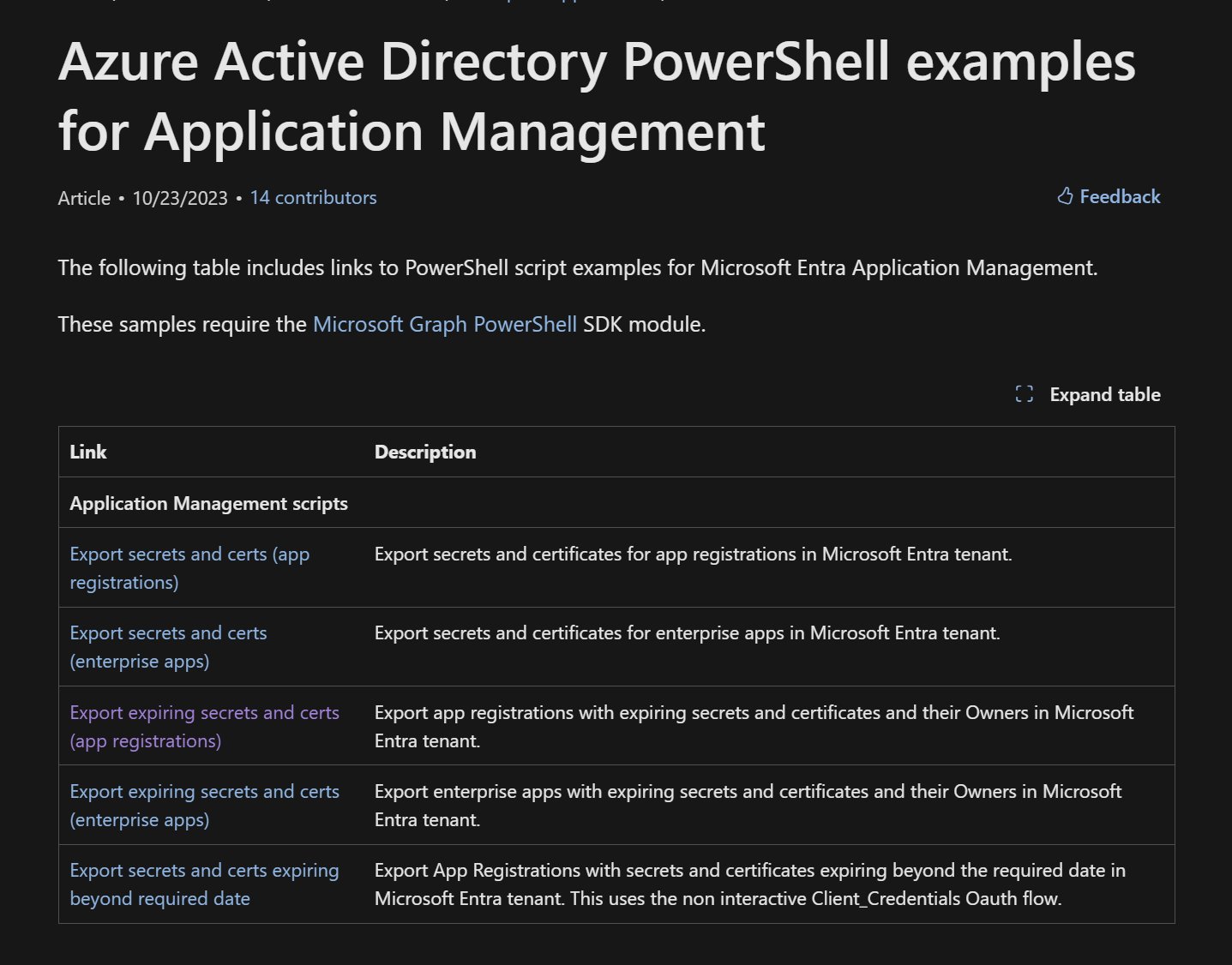
The collection includes reports for app registrations and enterprise apps, with versions focused on expiring secrets and certificates. Pick the right object type: app registrations are application objects, while enterprise apps are service principals in your tenant.
A useful starting point is the app-registration expiry report. It asks for an expiry window, whether to include already-expired credentials, and a CSV destination, then includes owner information so you know who to contact.
Don’t let the “export secrets” wording mislead you. These examples report credential metadata, such as names and dates. They don’t recover the value of an existing client secret; Microsoft Graph doesn’t return existing secretText values.
Read the script before running it:
- Install the required Microsoft Graph PowerShell modules.
- Review the permissions and your organization’s consent process. The expiry example requests Application.Read.All; don’t add write permissions for a read-only report.
- Save the CSV somewhere approved. App names, owners, and credential inventory are useful operational information, even without secret values.
- Review a few known app registrations against the report before relying on it for reminders or cleanup.
The samples are provided as-is, outside Microsoft’s standard support programs. Use them as a reviewed starting point, and keep credential rotation as a separate, planned change.
Original post: 14 December 2024. Documentation checked 14 October 2026.