Use the authentication registration report
Filter the Graph authentication registration report instead of querying every user's methods.
Simple problem:
Find users who have an email authentication method registered in Entra ID.
What you might be tempted to do:
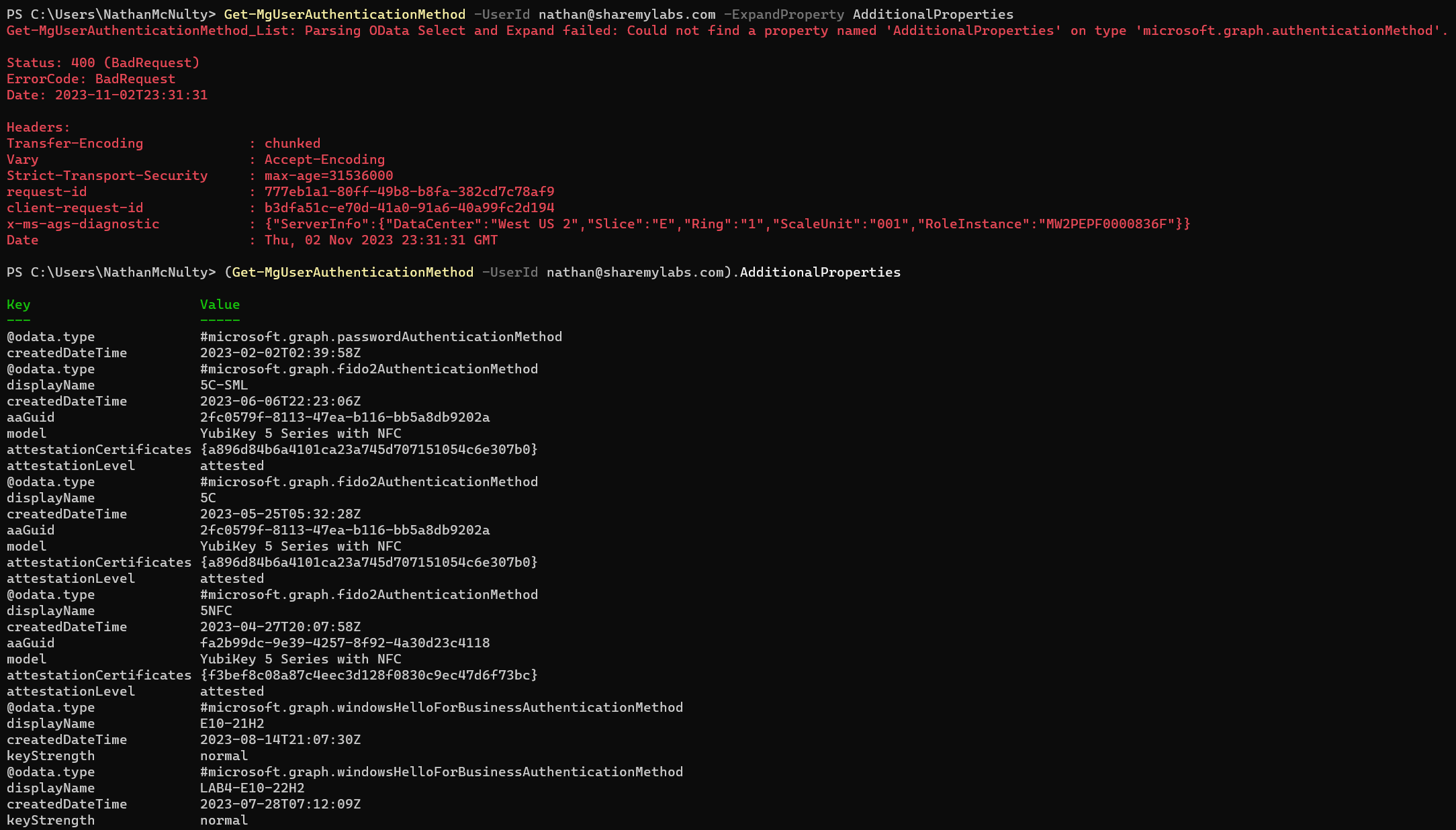
Get-MgUser / Get-MgUserAuthenticationMethod
What you should do for a registration report:
1Get-MgReportAuthenticationMethodUserRegistrationDetail -All `
2    -Filter "methodsRegistered/any(i:i eq 'email')"
Want users who haven’t registered for MFA? That one is easy ;)
1Get-MgReportAuthenticationMethodUserRegistrationDetail -All `
2    -Filter "isMfaRegistered eq false"
-All follows the result pages. These queries need AuditLog.Read.All, an Entra ID P1 or P2 license, and, for delegated access, a supported role such as Reports Reader.
A couple of important details: this report excludes disabled and soft-deleted users, and updates can take around 36 hours, occasionally longer. It’s useful for reporting, not an immediate check after someone changes a method.
The email filter means a registered email method. It isn’t an inventory of guests using B2B email one-time passcodes. And MFA registration alone doesn’t prove the method is allowed by policy or MFA is enforced.
If you are going to do anything with Microsoft Graph PowerShell, learning APIs and OData is going to help. Best of luck to you, this is still cursed :)
Report API | Licensing | Report limitations | OData filters
Original posts: 3 November 2023, OData reply, and MFA registration filter. Documentation checked 14 October 2026.