Defender for Identity Labs
Practice Defender for Identity alert investigation in an isolated, planned lab.
Deploying Defender for Identity is only part of the job. You also need to know what an alert looks like, what evidence to review, and what to do with it.
Microsoft’s TechExcel Defender for Identity lab gives you a structured way to practice that. Day 1 covers deployment and configuration. Day 2 walks through attack simulations, detection, and investigation, including reconnaissance, sensitive-group changes, credential access, and lateral movement.
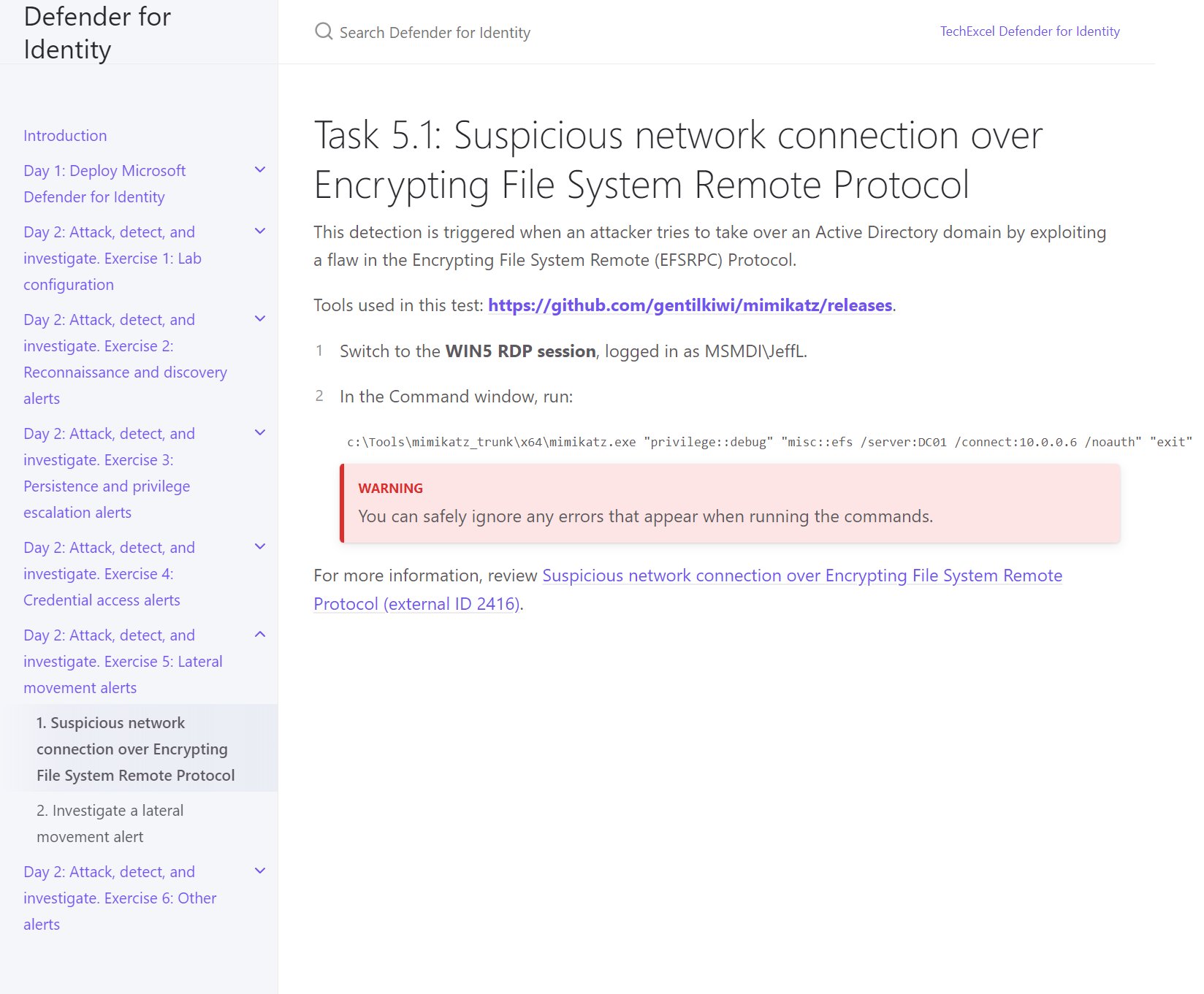
The part I like here is that the exercises continue after generating an alert. For example, the lateral movement investigation has you review the alert story, related incident, and incident graph, then manage the alert. That’s useful practice for the people who will actually handle these in your environment.
A few things to plan for before you jump in:
- Use an isolated lab with test accounts. These exercises deliberately simulate attacks and change configurations.
- The setup guide deploys Azure resources. Budget for the infrastructure and clean it up afterward; reading the instructions doesn’t make the resources free.
- Check your Defender for Identity licensing and the current sensor deployment requirements. Treat the older lab’s setup steps as a learning reference, because sensor versions and prerequisites have changed.
Pick one scenario, follow the evidence through the investigation, and write down how your team would triage it. That’s a much more useful validation exercise than stopping at “the sensor is healthy.”
Original post: 28 January 2025. Documentation checked 14 October 2026.