Defender Firewall FQDN filtering - prefer NRPT for broad blocks
Prefer NRPT for DNS namespace blocks to avoid shared-IP fallout from broad Firewall FQDN rules.
For broad domain or TLD blocking, I recommend NRPT rules over Windows Firewall dynamic keyword blocks. Firewall FQDN rules turn matching DNS results into IP-based restrictions, which can affect unrelated names sharing the same address.
I hit this in June 2026: blocking *.cn picked up an Azure Front Door IP after a user visited docs.azure.cn. That IP also served Microsoft portals, so Azure, Entra, and Intune access broke.
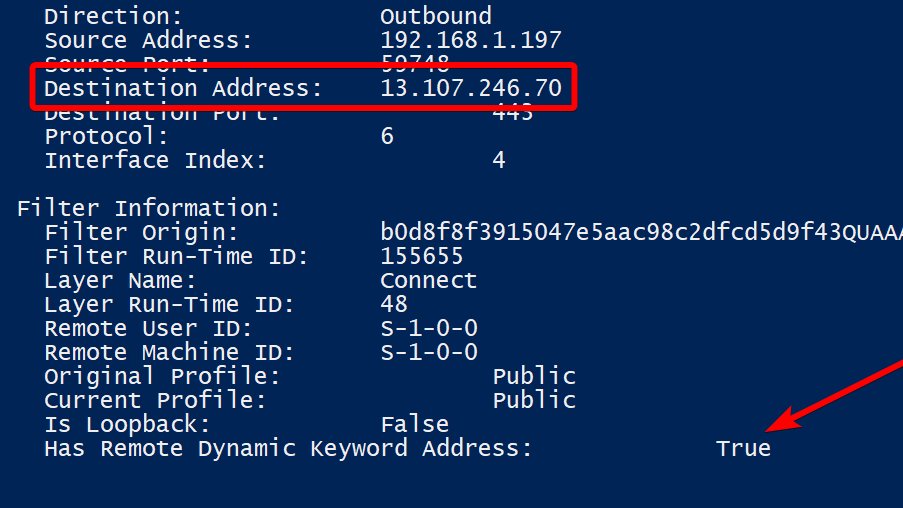
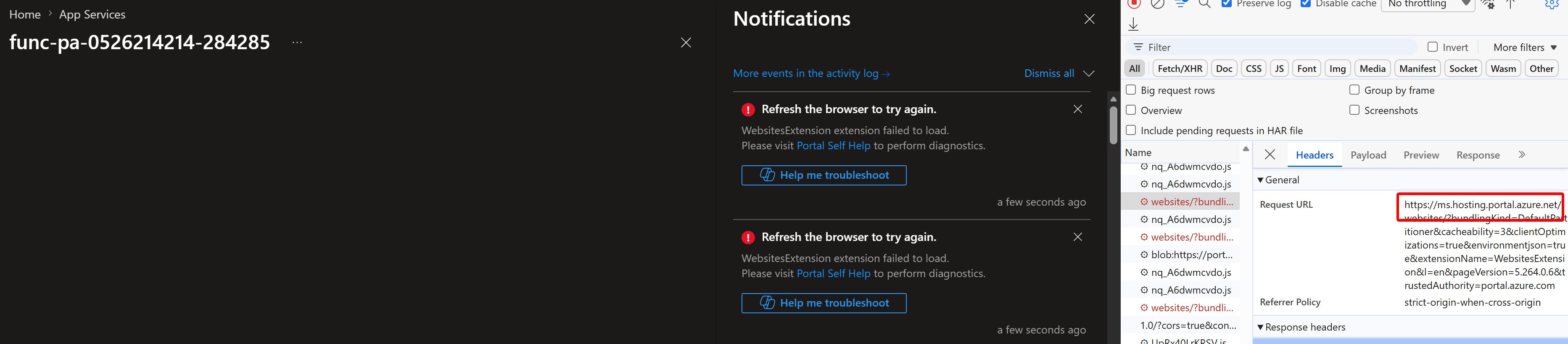
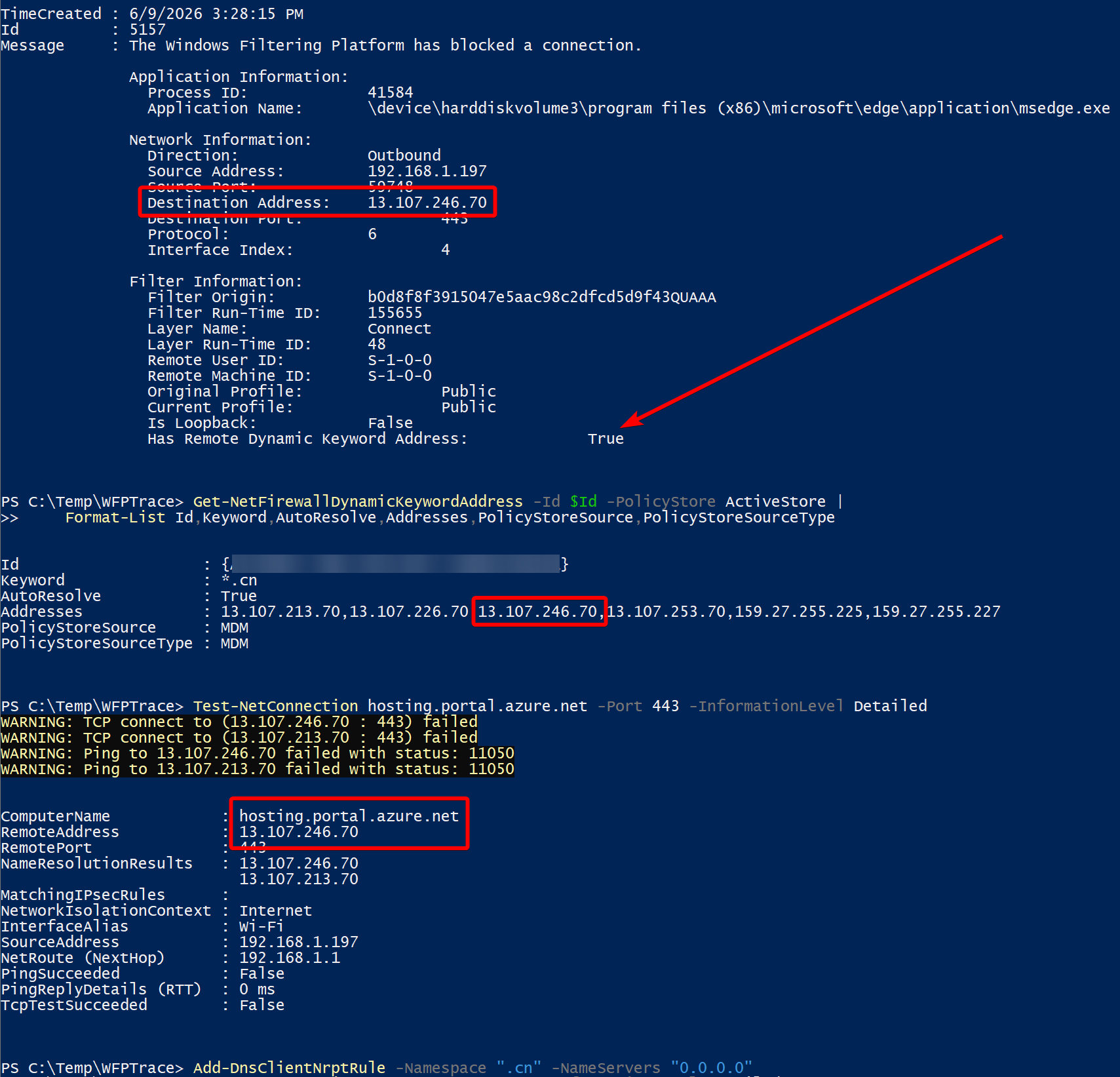
The Name Resolution Policy Table (NRPT) applies namespace-specific policies in the Windows DNS Client. This keeps the restriction at name resolution instead of adding shared IPs to firewall rules. My thread used this local example in an elevated PowerShell session:
1Add-DnsClientNrptRule -Namespace ".cn" -NameServers "0.0.0.0"
-NameServers sets the DNS server address for matching queries. Here, 0.0.0.0 is intended to make those lookups fail; it is not an address returned in a DNS answer.
That targets the entire .cn namespace. Don’t deploy it blindly: choose the namespace you actually need, check legitimate dependencies, and test in a lab first.
Check existing managed rules and the policy that actually applies:
1Get-DnsClientNrptPolicy -Effective
Domain Group Policy NRPT settings can cause local rules to be ignored. Test the actual applications and network paths you intend to control.
NRPT governs name resolution; it isn’t packet filtering. Direct-IP connections, cached addresses, and applications using their own resolver can avoid this DNS restriction. Keep the appropriate firewall controls alongside it.
NRPT namespaces and policy processing · Add-DnsClientNrptRule · Firewall dynamic keywords and limitations
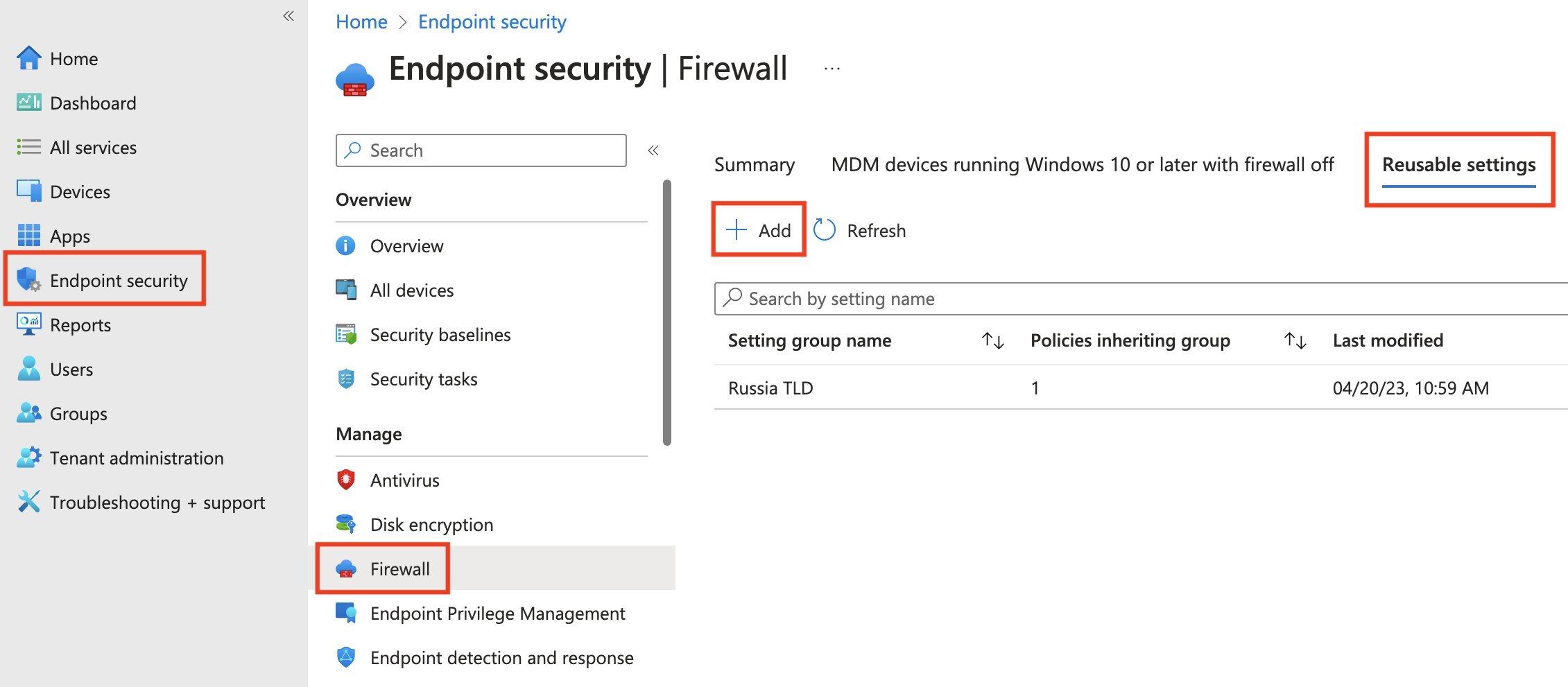
The screenshots below show my earlier Firewall approach, retained for historical context. They aren’t the recommended approach for broad domain blocks.
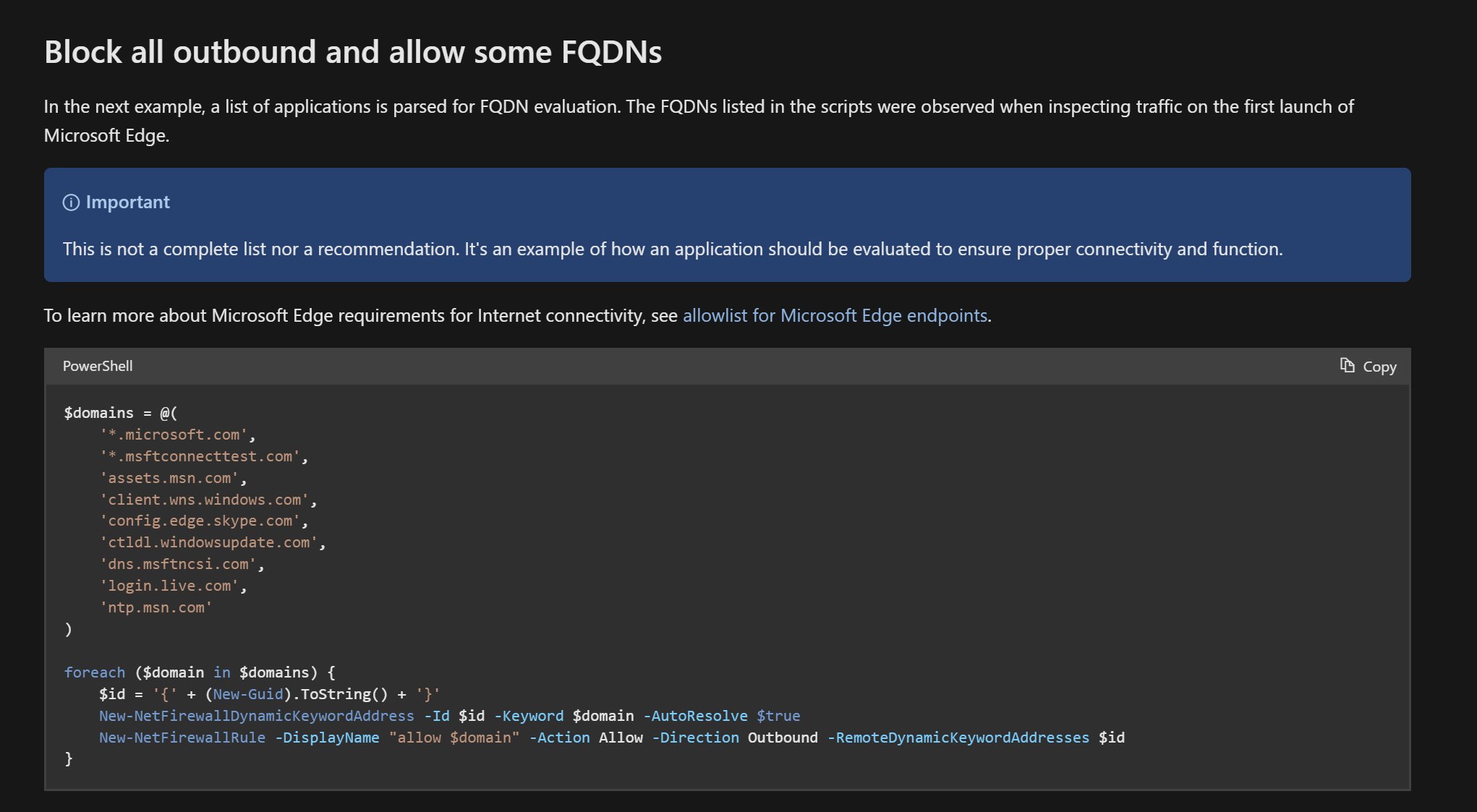
Original posts: 14 May 2023, 20 November 2024, and NRPT follow-up, 10 June 2026. Documentation checked 14 October 2026.
The source thread continues through the NRPT example.