Look up Azure service IP ranges
Retrieve Azure service tag address ranges with PowerShell for outbound filtering.
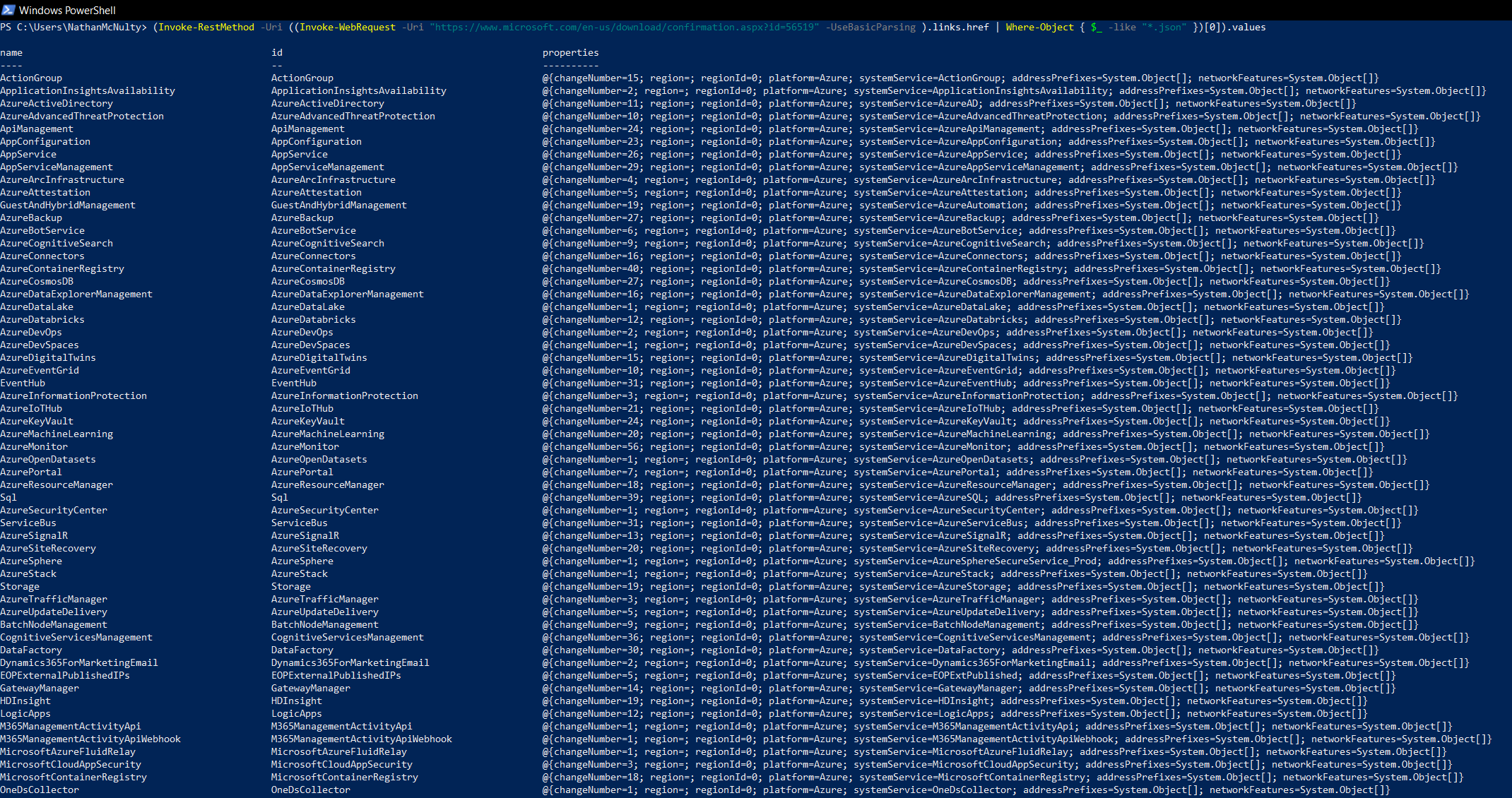
I wrote a quick command to list Azure service IP ranges for outbound filtering and ended up needing it again, so I thought I’d share :)
The original scraped Microsoft’s download page. These days, Get-AzNetworkServiceTag gives us a cleaner way to get the data. With Az.Network installed and an authenticated Azure context that can read the subscription:
1$serviceTags = Get-AzNetworkServiceTag -Location eastus2
2$serviceTags.Values
Say you wanted the IPv4 ranges for Defender for Identity:
1$mdi = $serviceTags.Values |
2    Where-Object { $_.Name -eq 'AzureAdvancedThreatProtection' }
3
4$mdi.Properties.AddressPrefixes |
5    Where-Object { $_ -notlike '*:*' }
The -Location value selects the version reference for the request. It doesn’t filter the output to that region; the results cover your subscription’s Azure cloud.
These are service-wide ranges, not just your tenant’s endpoints. Check the service’s connectivity requirements before turning them into firewall rules, and keep exported lists updated. Where supported, using the service tag directly lets Azure maintain the ranges for you.
Microsoft also publishes weekly JSON downloads. New service tag data can take time to propagate through the API, so don’t assume both sources always match.
Original posts: 4 February 2022 and the Defender for Identity example. Documentation checked 14 October 2026.