Check Log Analytics ingestion delay
Compare event and ingestion timestamps to see how long records take to reach Log Analytics.
One of many things I love about Log Analytics and Azure Data Explorer is the ingestion_time() function.
For a quick look at when sign-in records became available in the workspace, add the ingestion timestamp next to TimeGenerated:
SigninLogs
| where TimeGenerated > ago(1d)
| extend IngestTime = ingestion_time()
| project-reorder TimeGenerated, IngestTime
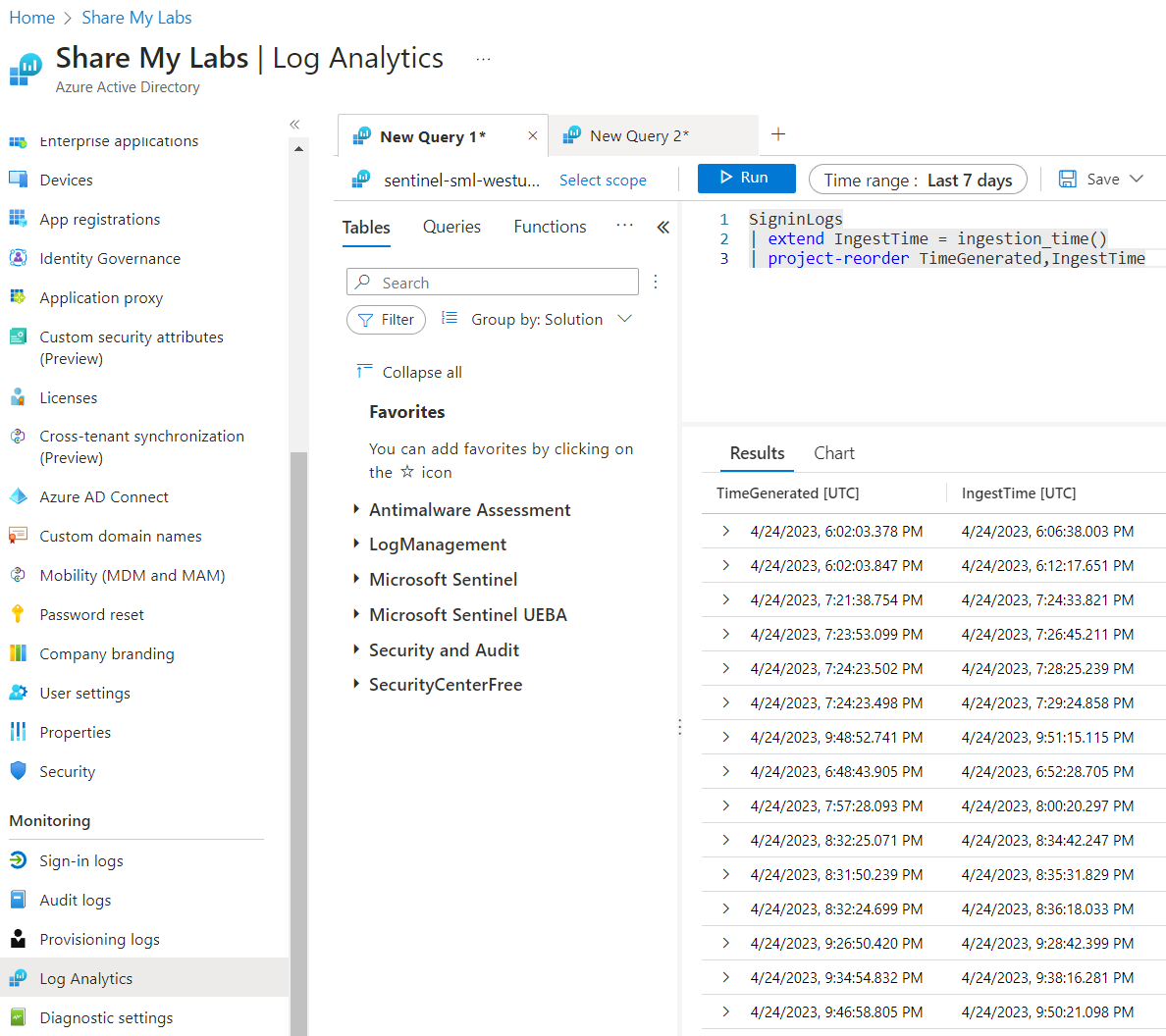
To see the difference directly, add this after the extend line:
| extend IngestionDelay = IngestTime - TimeGenerated
ingestion_time() is the approximate UTC time the record was ingested and ready to query. That difference is useful when investigating missing or late events, but it doesn’t tell you which part of the pipeline caused the delay.
Collection, export, buffering, and processing can all contribute. For a deeper look, Microsoft’s ingestion latency guidance also explains _TimeReceived and how to compare the stages. If you adapt this to another table, check what its event timestamp represents.
Original posts: 24 April 2023 and 25 April 2023. Documentation checked 14 October 2026.