Sign-in Frequency (SIF) is a commonly misunderstood control, one many orgs use to inflict unnecessary suffering on their employees 😩
It probably doesn’t work the way you think it does and is often used in less than ideal ways…
So let’s look at how it works and when to use it.
Start with the authentication
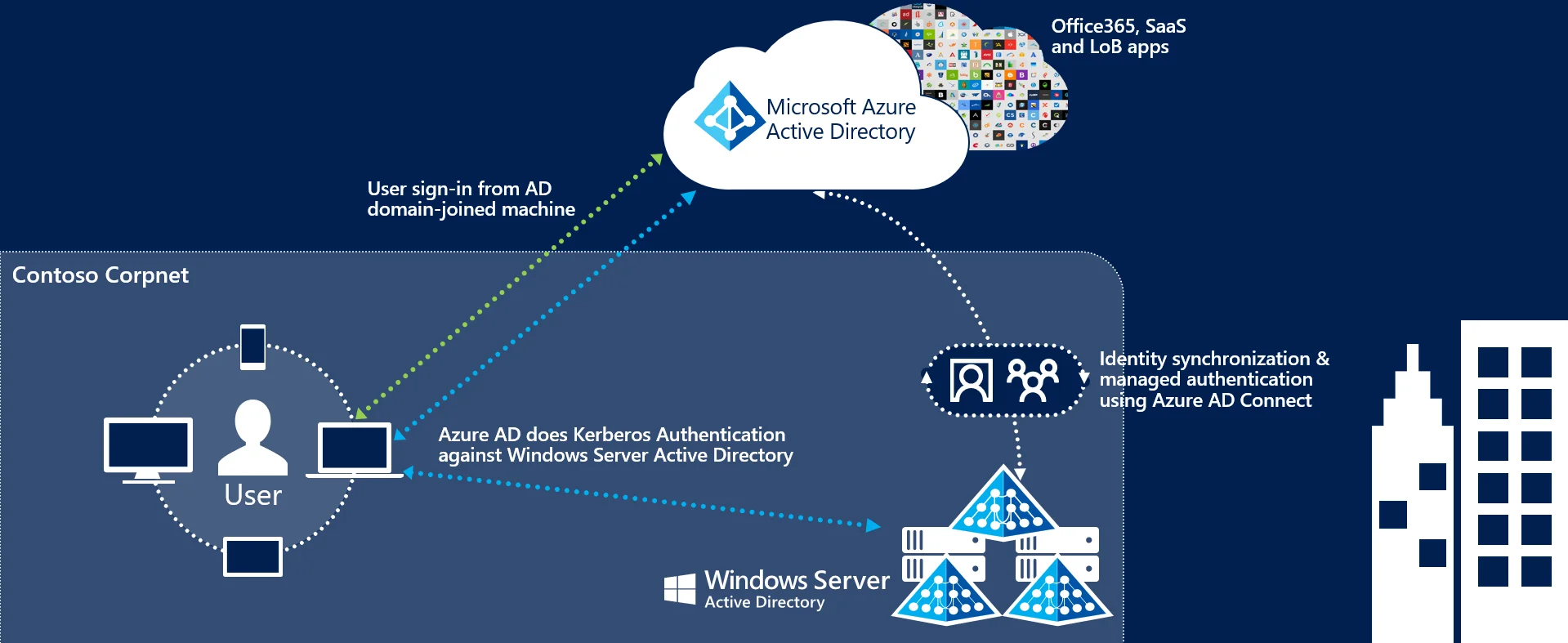
To understand authorization controls (Conditional Access), we need to understand the authentication behind the session. When we log into a Hybrid or Entra joined device, we authenticate to Entra and get a Primary Refresh Token (PRT), which supports single sign-on to our applications.
The “issue”: signing into Windows, refreshing a PRT, and satisfying an MFA requirement aren’t interchangeable events.
On Entra joined and hybrid joined devices, login/unlock can refresh the PRT on a four-hour cycle. Unlocking your device again after 30 minutes doesn’t mean you’ve started a new four-hour refresh cycle. This matters when you set a SIF policy shorter than that cycle. Microsoft’s session lifetime documentation walks through examples of this behavior.
If we use a password to log in, we haven’t just performed MFA… 💡
If we use Windows Hello for Business, the sign-in itself is multifactor authentication. The MFA claim is updated when the PRT is refreshed. With password sign-in followed by an MFA prompt through the Windows authentication broker, that MFA claim isn’t continuously refreshed in the same way. The PRT documentation explains the distinction.
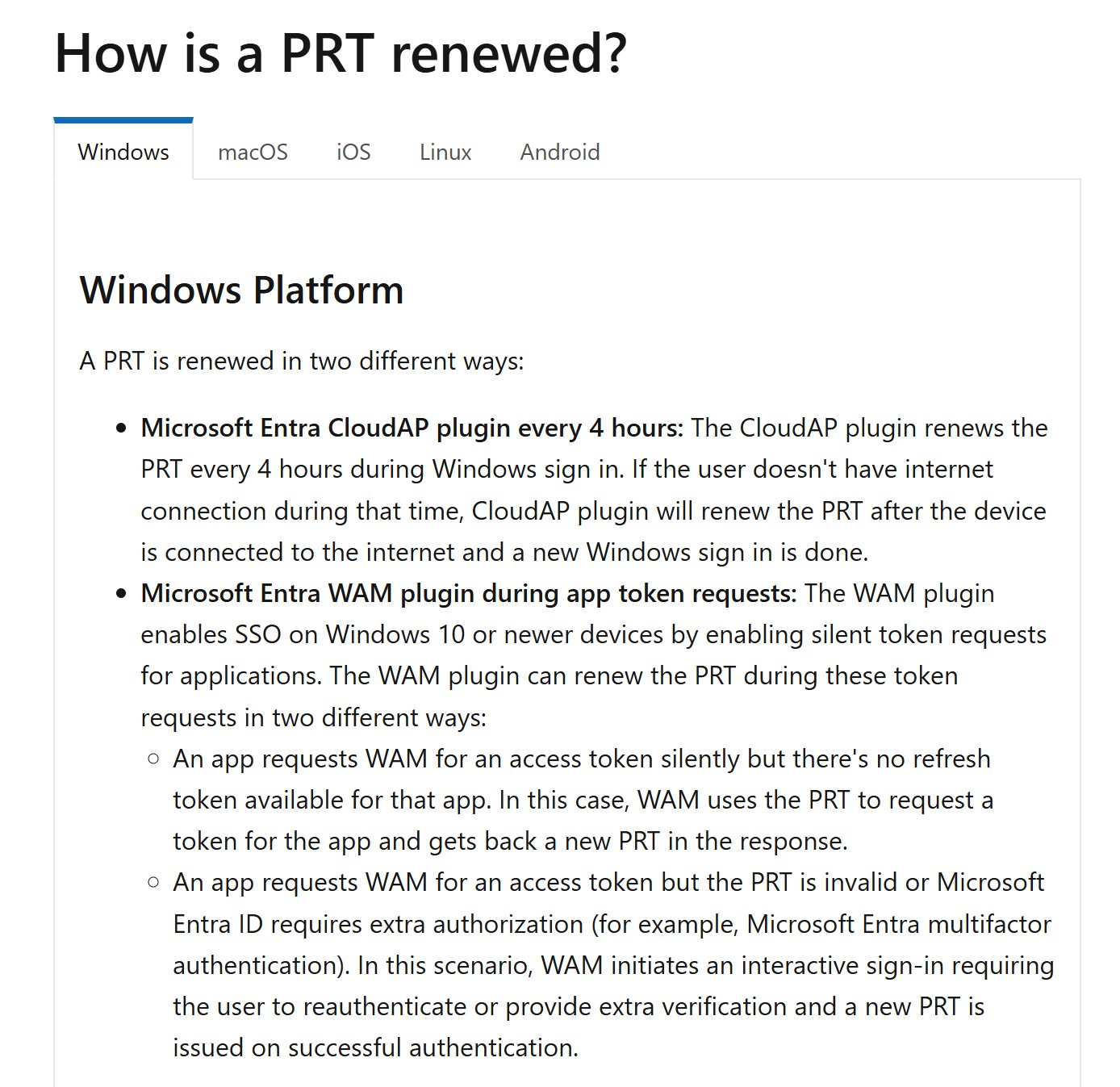
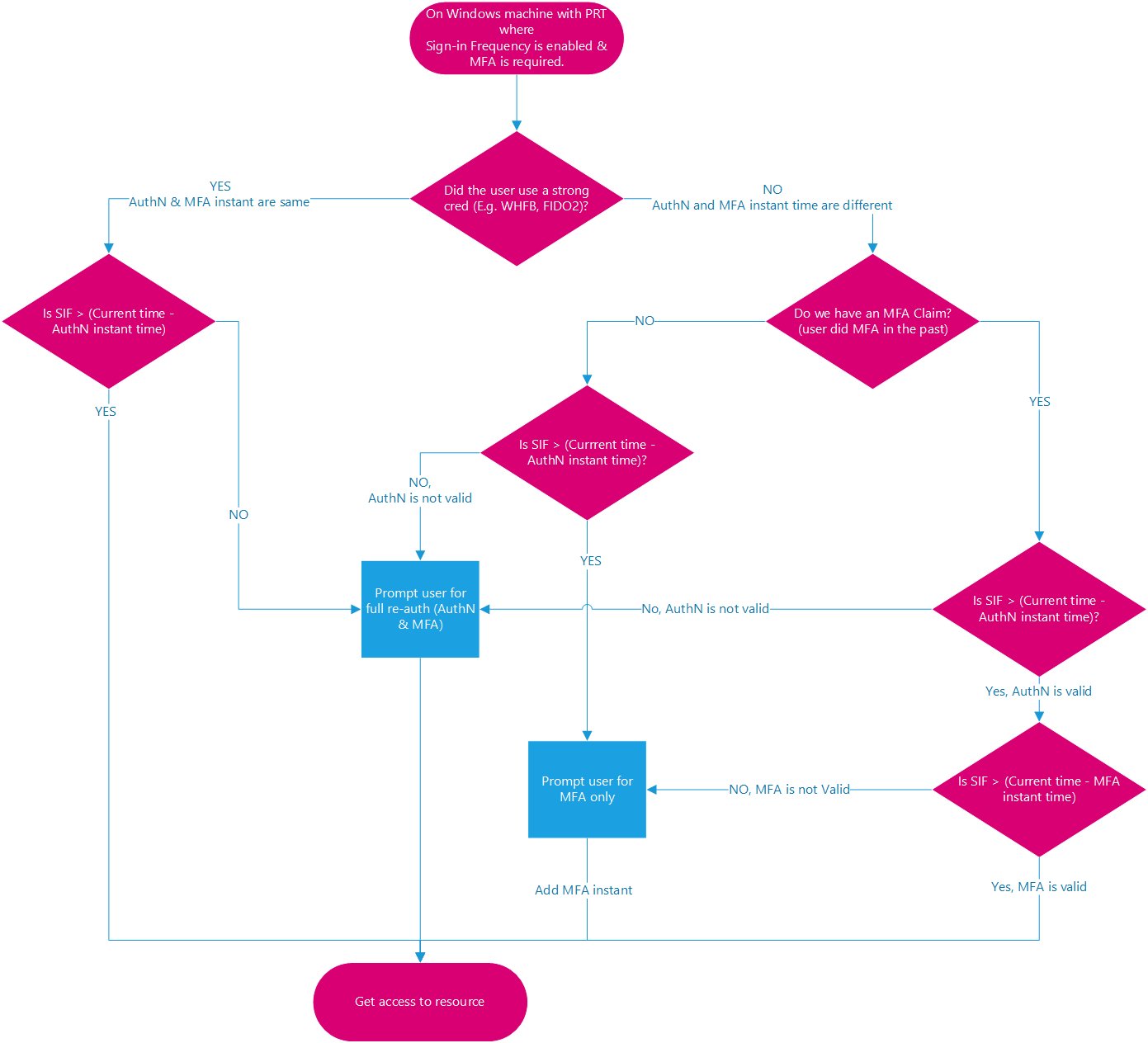
This is why comparing two users with the same SIF policy, without looking at how they authenticate, can be misleading. One signs in with Hello, the other uses a password and completes MFA separately. The resulting prompts can be different even though the policy value is identical.
What does SIF actually do?
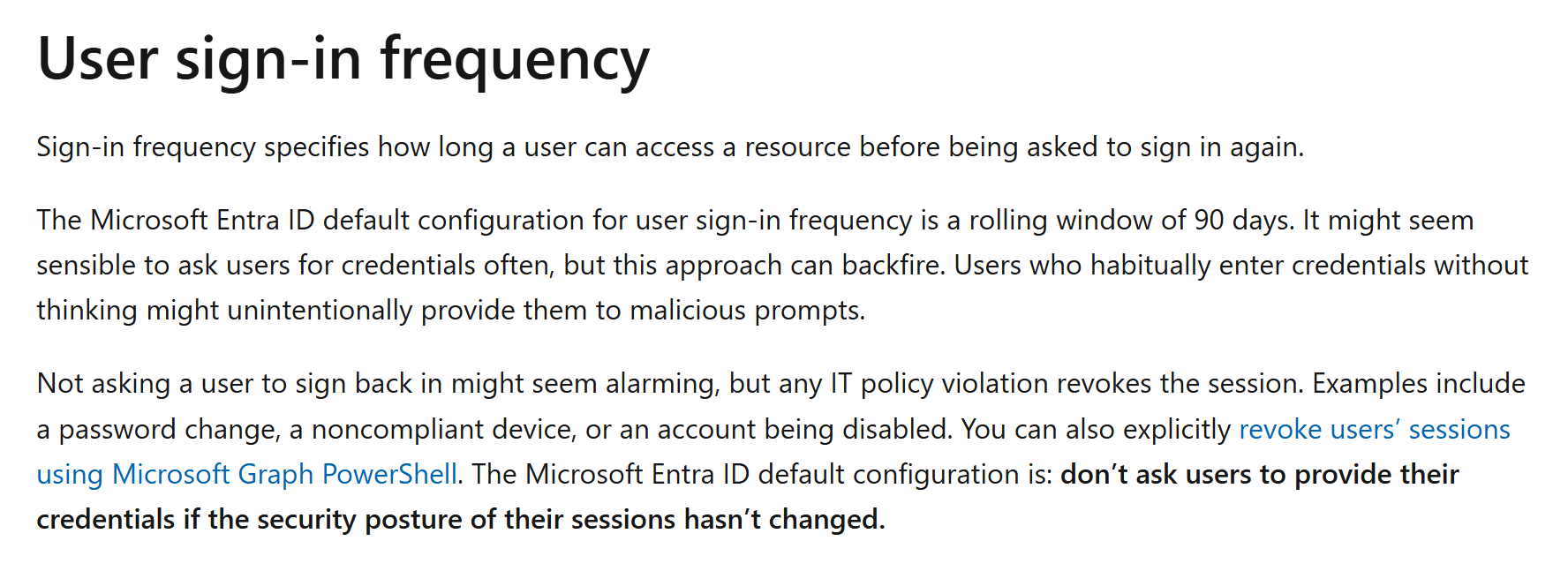
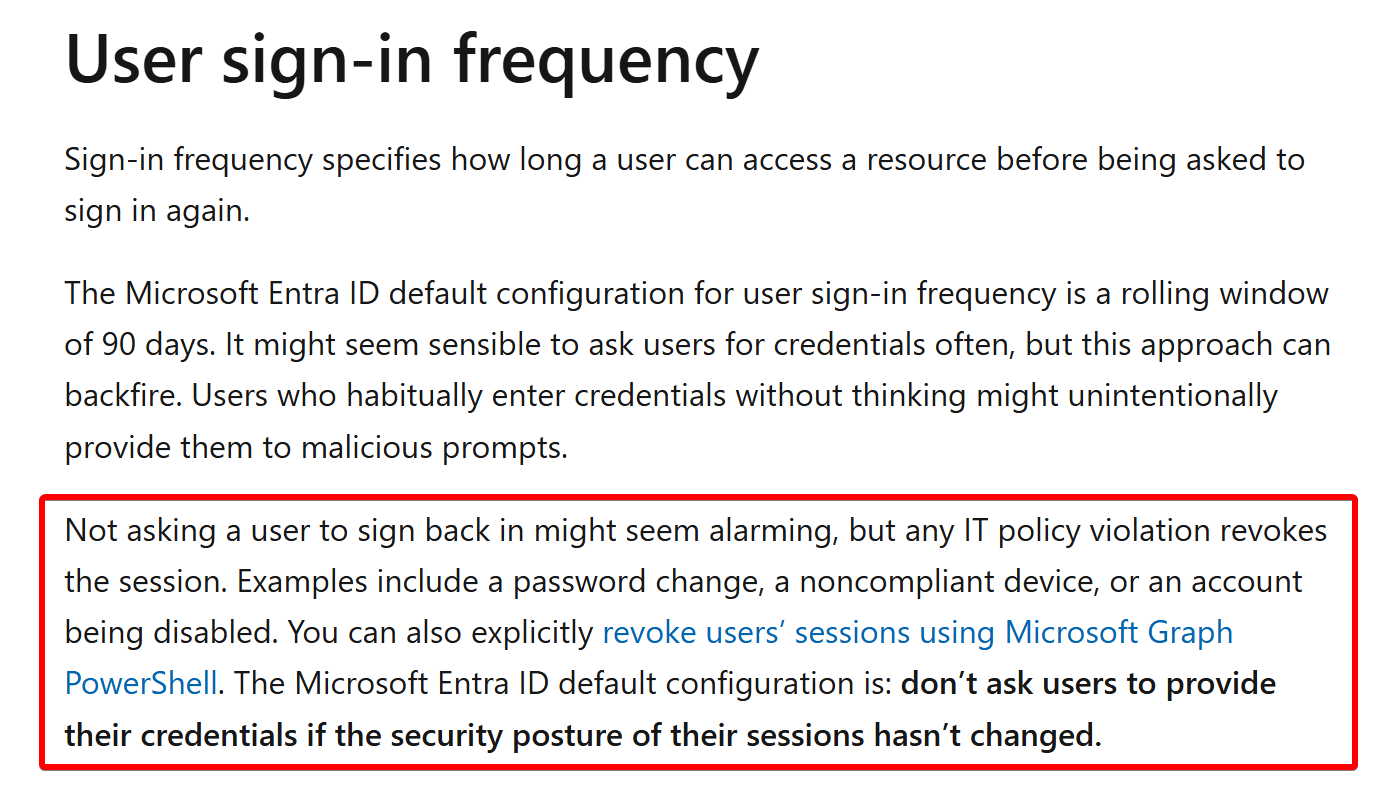
SIF specifies how long a user can access a resource before they need to sign in again. It applies to MFA as well as first-factor authentication.
For password + MFA, this gets complicated. Before changing the policy because someone received an unexpected prompt, look at the authentication method, device join state, and application involved. A Windows unlock isn’t enough information to explain the session.
Application behavior also matters. The policy is enforced when the session is evaluated, and some background activity can defer enforcement until the next user interaction. Even “Every time” includes a five-minute tolerance rather than prompting on every click. The session lifetime documentation covers these details.
But what about those 90-day sessions?
Now let’s talk about those 90(+) day tokens :)
Yes, 90 days IS a long time. The important distinction is which token or session we’re talking about. A refresh token, an access token, and an application’s own session cookie have different lifetimes and behavior. Microsoft’s token overview is useful here.
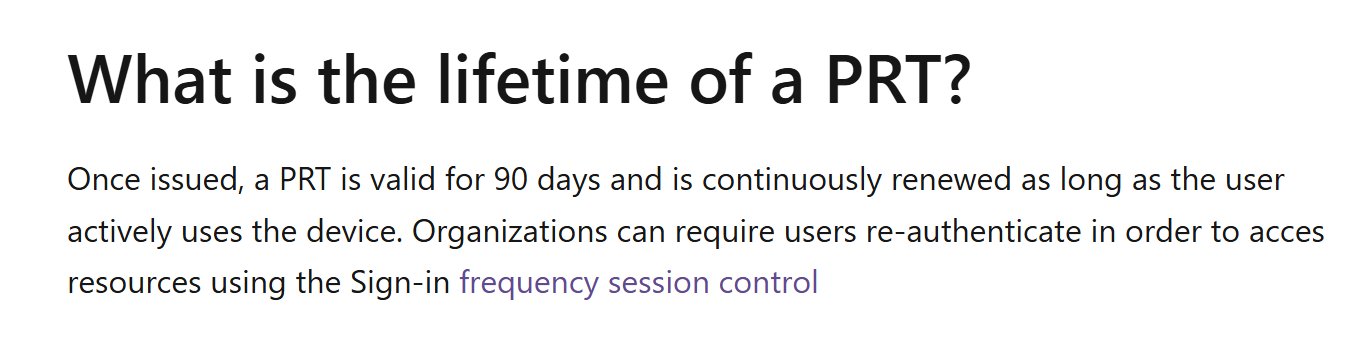
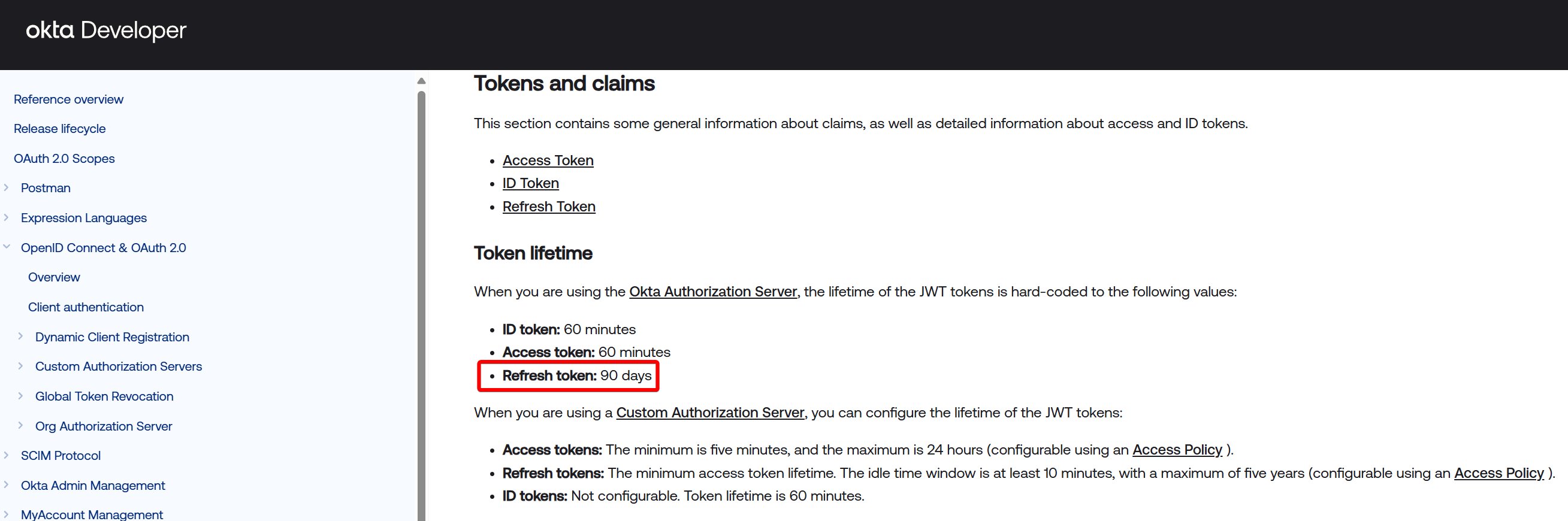
The (valid) concern is token theft, but broad SIF is not ideal for all apps.
For adversary-in-the-middle phishing, we have Hello/PSSO, passkeys, device state, risk detections, and other controls to consider before broad SIF.
For malware token theft, we have Continuous Access Evaluation, Token Protection, Global Secure Access, and other controls. Their coverage depends on the application, client, and configuration, so check what actually applies to your environment. Microsoft’s token protection guidance explains how these fit together.
But what if these controls aren’t available or are ineffective? Wouldn’t SIF help add a layer of protection?
Maybe, but you really need to think this through: how often can you reauthenticate a user to protect from malware token theft?
You likely cannot prompt often enough. An attacker doesn’t need to wait until the end of the working day to use a stolen session, and asking the legitimate user to authenticate repeatedly doesn’t remove malware from the device.
Broad SIF can be too long to address token theft and too short for good user experiences. It’s the worst of both worlds 😫
Original decorative reaction animation from the sign-in-frequency thread. Decorative reaction media, not technical evidence or a screen recording. From the original November 2025 thread.
Where SIF makes sense
There are targeted scenarios where SIF is excellent: guests, admins, privileged apps, and unmanaged devices. We may lack other controls, or the access is more critical.
Use SIF to limit authentication lifetimes for guests and admins. Twelve hours is a reasonable starting point to consider, not a universal requirement. Match it to the access you’re protecting and test the resulting experience.
For unmanaged devices, consider non-persistent browser sessions as well. Browser persistence and sign-in frequency address different parts of the experience; closing a browser and reaching a reauthentication interval aren’t the same thing.
Before rolling a policy out broadly, check what happens for your password users, Hello users, managed devices, and unmanaged devices. Make sure the policy addresses the scenario you actually care about.
But please, stop creating pain for your users by enforcing constant reauthentications when nothing about their security posture has changed.
Original decorative reaction animation accompanying the thread’s closing recommendation. Decorative reaction media, not technical evidence or a screen recording. From the original November 2025 thread.
Adapted from my original thread, posted November 5, 2025.
The source thread continues through the final post.